How to AFK in Minecraft Without Your PC
Three ways to stay AFK in Minecraft overnight, what each one costs, and where headless bots fit.
· 5 min read
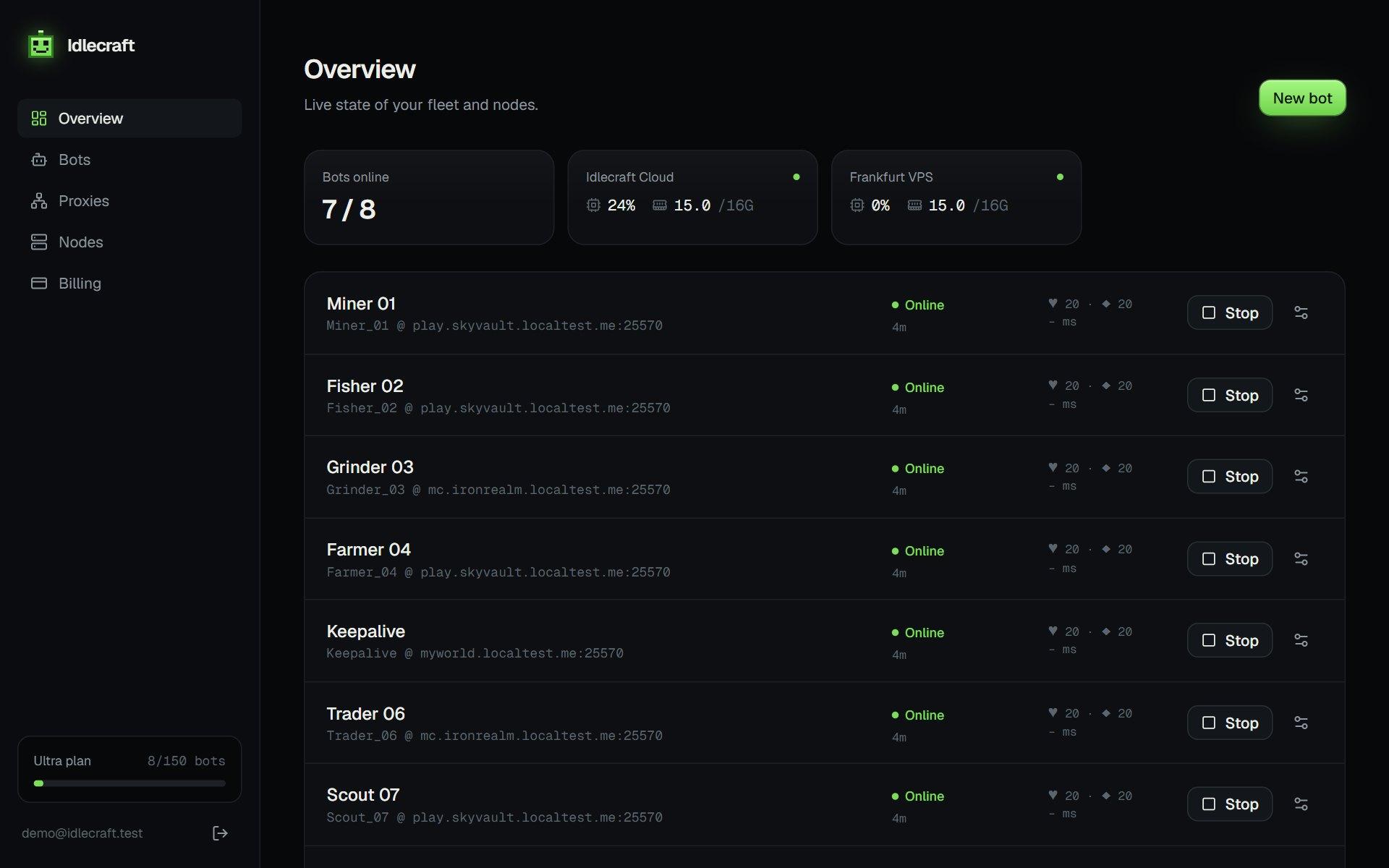
AFK used to mean one thing: leave the game open and hope the power stays on. You have more options now, and which one fits depends on how many accounts you run and how long you need them online.
Option 1: an AFK farm in the game
On your own server, a mob farm or a fishing setup earns while you are logged in. It still needs a running client, so it solves the farm and leaves the PC problem untouched.
Option 2: a second computer
A spare PC or a small board can run the real game around the clock. You pay for power and space, and every extra account needs its own client, so this stops being practical after one or two accounts.
Option 3: a headless bot
A headless bot speaks the Minecraft protocol without drawing anything. There is no window, no textures and no sound, so it needs far less memory than the game client. One small VPS can host many of them, and you control them from a browser.
What a bot needs to stay online
- An account for the server: offline for cracked servers, Microsoft for premium ones
- Small, irregular movement so the server does not kick it for idling
- Reconnect logic that waits longer after each failed attempt
- A way to see why it left, such as the kick message in a console
Where it goes wrong
Servers set their own rules. Some ban bots and macros outright, and some run plugins that look for repeated fishing or AFK patterns. A bot that follows a fixed timer is easier to spot than one that varies its movement. Read the rules first, ask the owner if you are unsure, and keep valuable accounts away from servers that forbid automation.
If you want to try it, the 15-minute trial runs one bot, which is long enough to find out whether your server accepts it.
Cost and effort compared
A spare PC costs power every month and needs a client per account. A headless bot on a shared VPS costs a few dollars and runs many accounts, but you give up the full game view. For most idle jobs, such as fishing, mining a generator or holding a spot, the bot is enough.
A simple checklist
- Check the server rules for bots and macros
- Use an alt account
- Pick offline or Microsoft login to match the server
- Turn on anti-AFK, auto-eat and auto-reconnect
- Watch the console for the first few minutes
Run your first bot in two minutes.
Get my bots online