Minehut AFK Bot: Keeping a Free Server Awake
Free hosts such as Minehut stop servers when nobody is online. What a keep-alive bot does, and why you should read the terms first.
· 4 min read
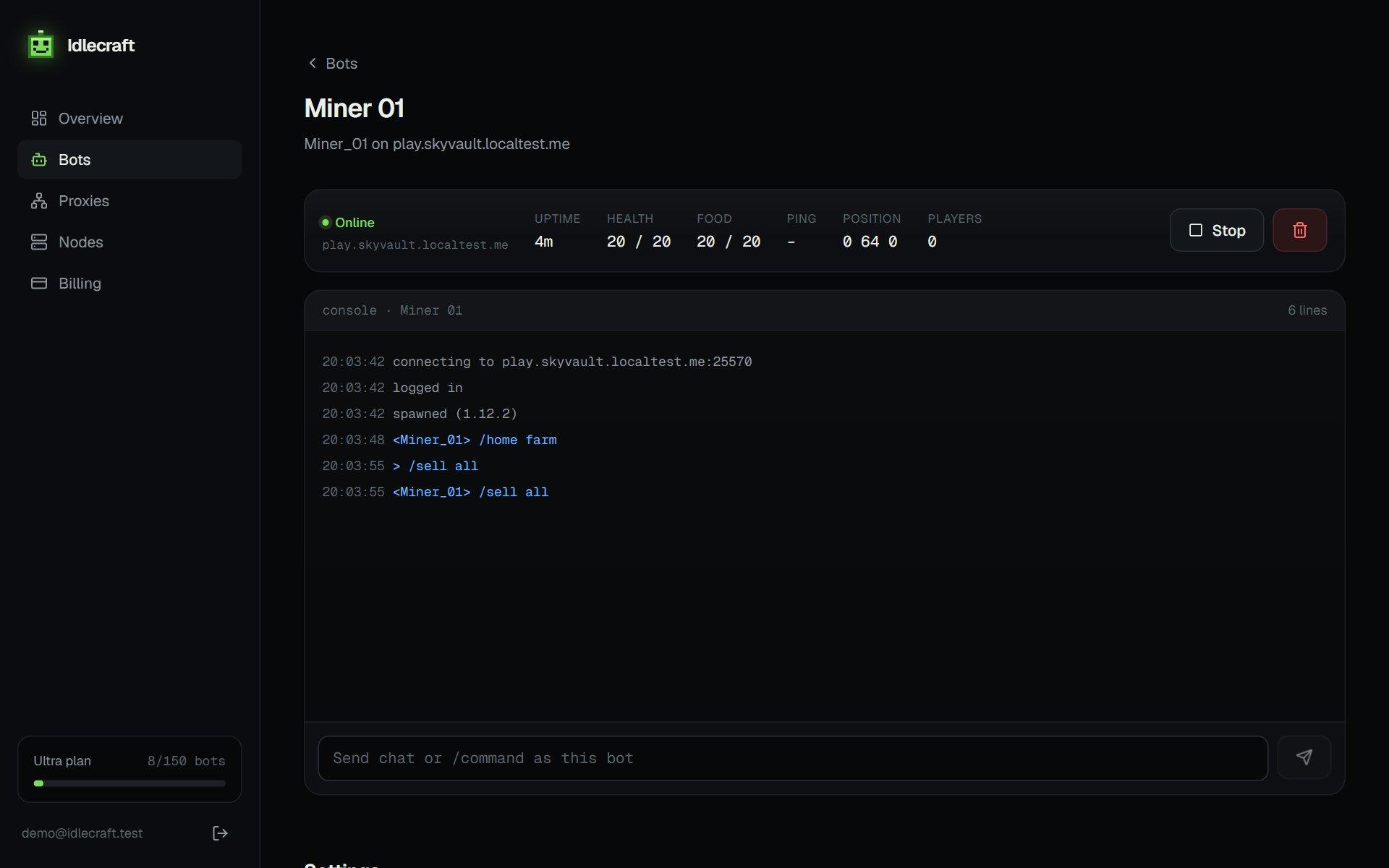
Free Minecraft hosts such as Minehut and Aternos stop a server after it sits empty for a while. A keep-alive bot joins so the server sees a player and stays up. It is a popular trick, and it is also something hosts often discourage.
What the bot does
The bot logs in with an offline or Microsoft account, moves a little at random intervals, and reconnects if it is kicked. Our free host AFK bot guide shows the setup step by step.
Check the host's terms
Hosts can change their terms, and staff on some of them have said that keeping a server online around the clock by any means breaks the rules. Read the current terms first, because a suspended world costs more than a bot saves.
Alternatives
- Pay for a small server that is always on
- Run the server on your own VPS
- Use the host's own always-on option if it has one
Our Aternos and free host explainer covers how hosts treat bots.
Setting up the keep-alive bot
- Create a bot with offline login and a simple name
- Enter the server address and port
- Turn on AFK Keeper and auto-reconnect
- Add Auto Login if the server uses a login plugin
If the host objects
If the host contacts you or suspends the server, stop the bot. Hosts own the rules, and the server can be lost with its world.
Run your first bot in two minutes.
Get my bots online