Proxies for Minecraft Bots: SOCKS5 vs HTTP Guide
How proxies work with Minecraft bots, which type to pick, and the difference between datacenter and residential IPs.
· 6 min read
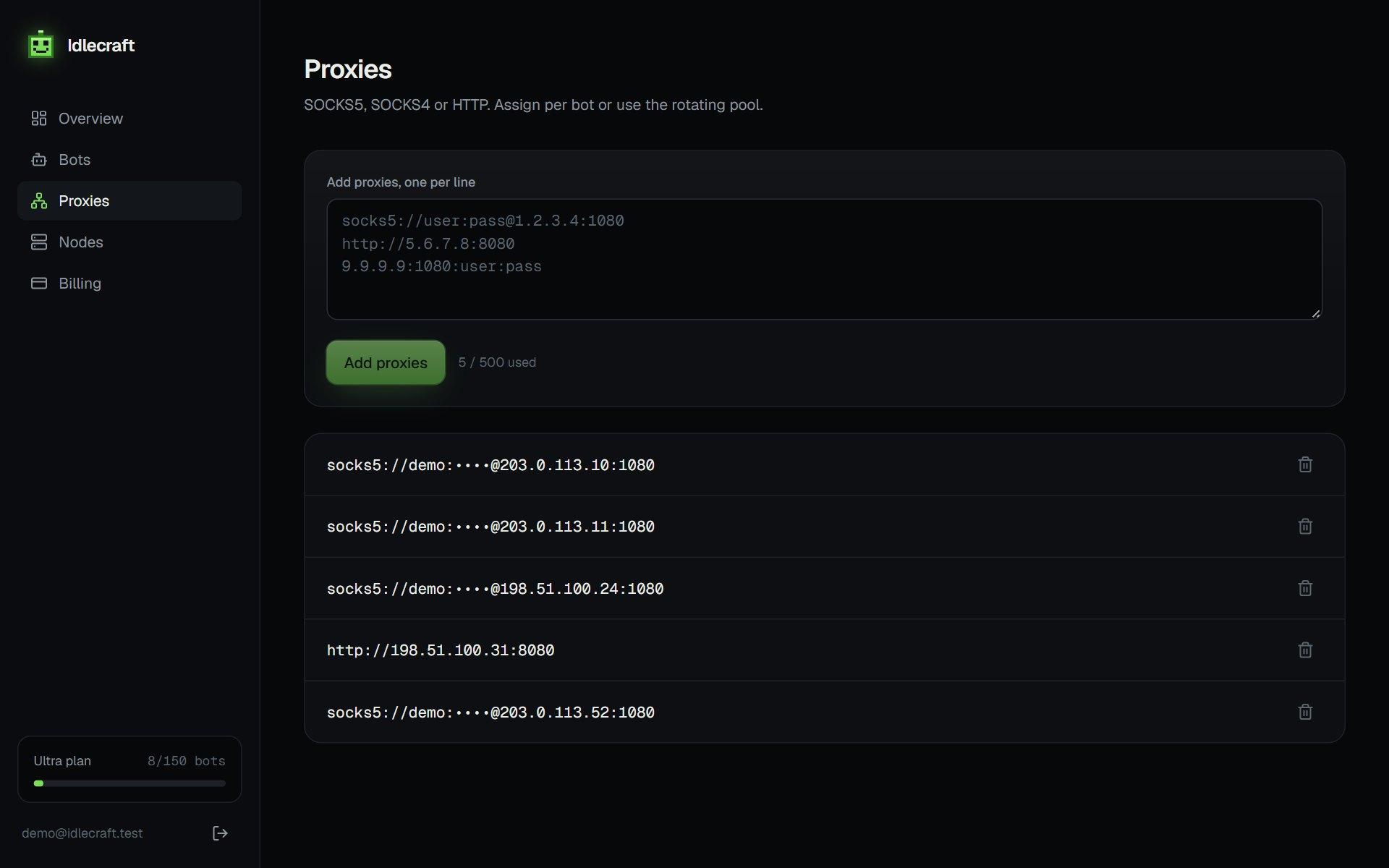
Minecraft Java Edition talks over a plain TCP connection. A proxy for a bot therefore has to forward TCP, which rules out anything built only for web pages.
SOCKS5 is the usual choice
SOCKS5 forwards any TCP traffic and supports a username and password. Almost every proxy provider sells it. The Mineflayer FAQ describes the approach: skip the normal host option and pass a custom connect function that opens the socket through the proxy, for example with the socks package, then hand that socket to the client.
HTTP proxies and CONNECT
An HTTP proxy can carry Minecraft only if it supports the CONNECT method and allows the Minecraft port. Plenty of cheap ones limit CONNECT to ports 80 and 443, and those will fail. If a proxy works in a browser but not for a bot, that restriction is the first thing to check.
Datacenter and residential IPs
Datacenter IPs are cheap and fast, and some networks flag or block whole ranges of them. Residential IPs belong to home connections, so they look more like ordinary players, and they cost more. A bot sends little data compared with a browser, but residential providers often bill per gigabyte, so measure a day of real traffic before you pick a plan.
Sticky or rotating
A sticky IP stays the same for a session, which suits a bot that should look like one player coming back. A rotating setup changes IP on a schedule or on each connection. For bots that reconnect often, rotating on reconnect avoids retrying from an address a server just throttled.
Common mistakes
- Free public proxies are slow, unreliable and often already blocked
- Many accounts behind one IP trigger join throttling on some servers
- A proxy far from the game server adds latency and causes timeouts
- Putting the proxy password in a shared script or repository
How to test a proxy before you rely on it
Start one bot behind the proxy and watch the console. A good proxy connects within a few seconds and stays up. If the join times out, check the port, the credentials and whether the proxy allows connections to the Minecraft port.
Assigning proxies to bots
One proxy per bot keeps accounts apart. If you have more bots than proxies, group the smallest accounts together and leave your most important one on its own address.
Run your first bot in two minutes.
Get my bots online