Discord Alerts for Minecraft Bots: Setup Guide
Get a Discord message when a player joins, when your name is mentioned, or when a bot is kicked. Setup with a webhook.
· 4 min read
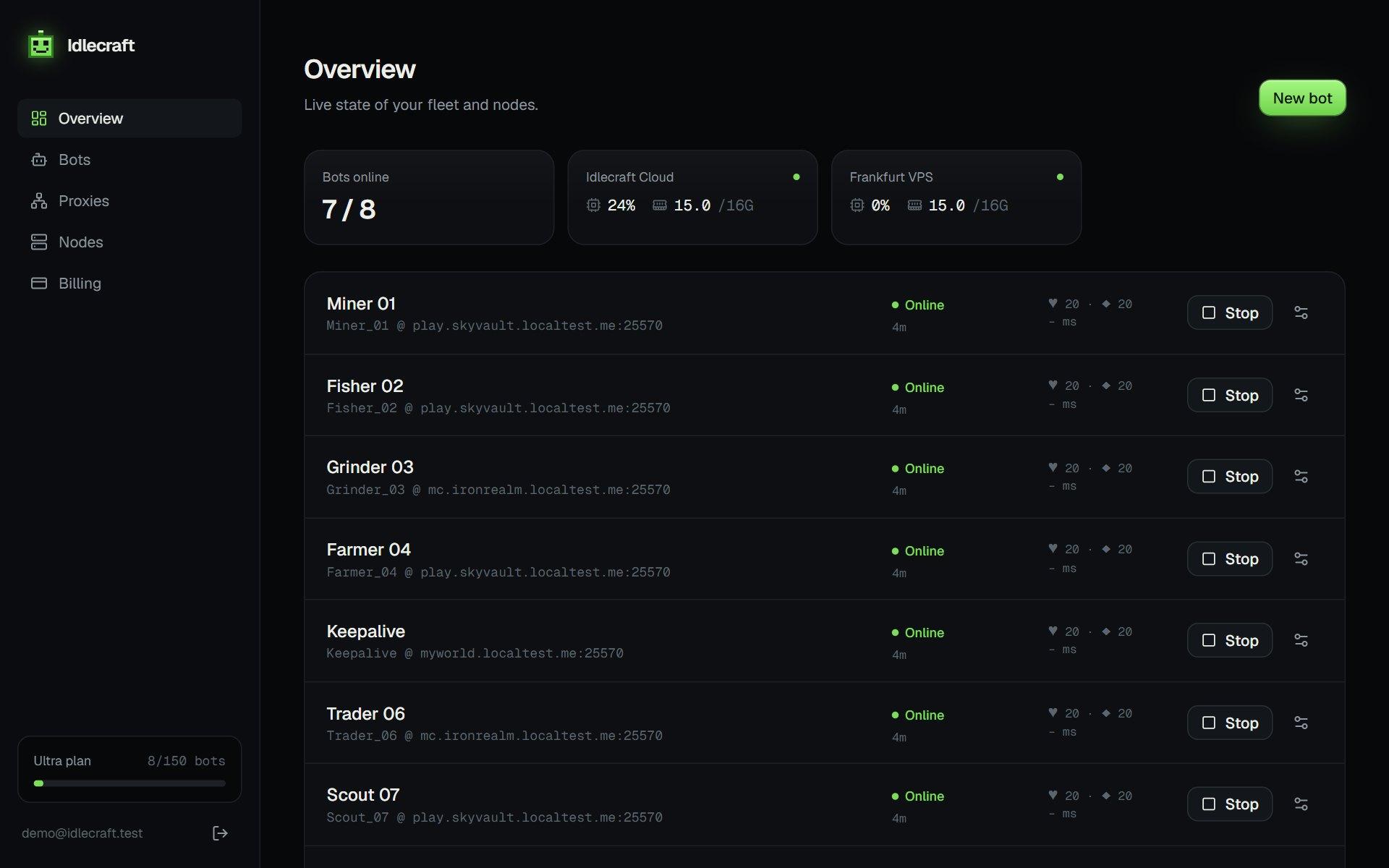
A bot that runs for days needs a way to tell you when something happens. A Discord webhook is the easiest one, since the message shows up on your phone.
Create a webhook
In Discord, open the channel settings, choose Integrations, then Webhooks, and create one. Copy the URL and paste it into the bot's settings. Treat the URL like a password.
What you can send
- Chat Relay posts in-game chat to the channel
- Player Alerts posts when a player, or only the players you list, joins or leaves
- Kick and error messages when the bot goes offline
Keep the noise down
On a busy server, relay only what you need. List the player names you care about and leave general chat off.
Alerts pair well with macros and the auto fish bot, where nobody is watching the console.
Examples worth setting up
- A private channel for kicks and errors
- A second channel for the chat relay
- A list of player names that should trigger an alert
- A mobile notification for the kick channel only
Security
Anyone with the webhook URL can post to the channel. If it leaks, delete the webhook in Discord and create a new one.
Run your first bot in two minutes.
Get my bots online