Minecraft Auto Fish Bot: How It Works and Setup
How an auto fish bot detects bites, why the right bite event matters, and how to run one for days with auto-eat on a fishing farm.
· 4 min read
Fishing is slow, repetitive and pays steadily on many servers, which makes it a classic job for a bot. A good auto fish bot waits for the real bite signal from the server instead of using a fixed timer.
How the bite detection works
When a fish bites, the server tells the client that the bobber was pulled. The bot listens for that event, reels in, then casts again. A fixed timer drifts, reels in too early and wastes casts, and it looks more mechanical to a server that watches for patterns.
What you need
- A fishing rod in the hotbar, ideally with Mending or Unbreaking
- Water the bobber can sit in, with open sky or a clear path on most versions
- Food in the inventory, so Auto Eat can keep hunger up
- A server that allows automation. Check before you start
Setting it up
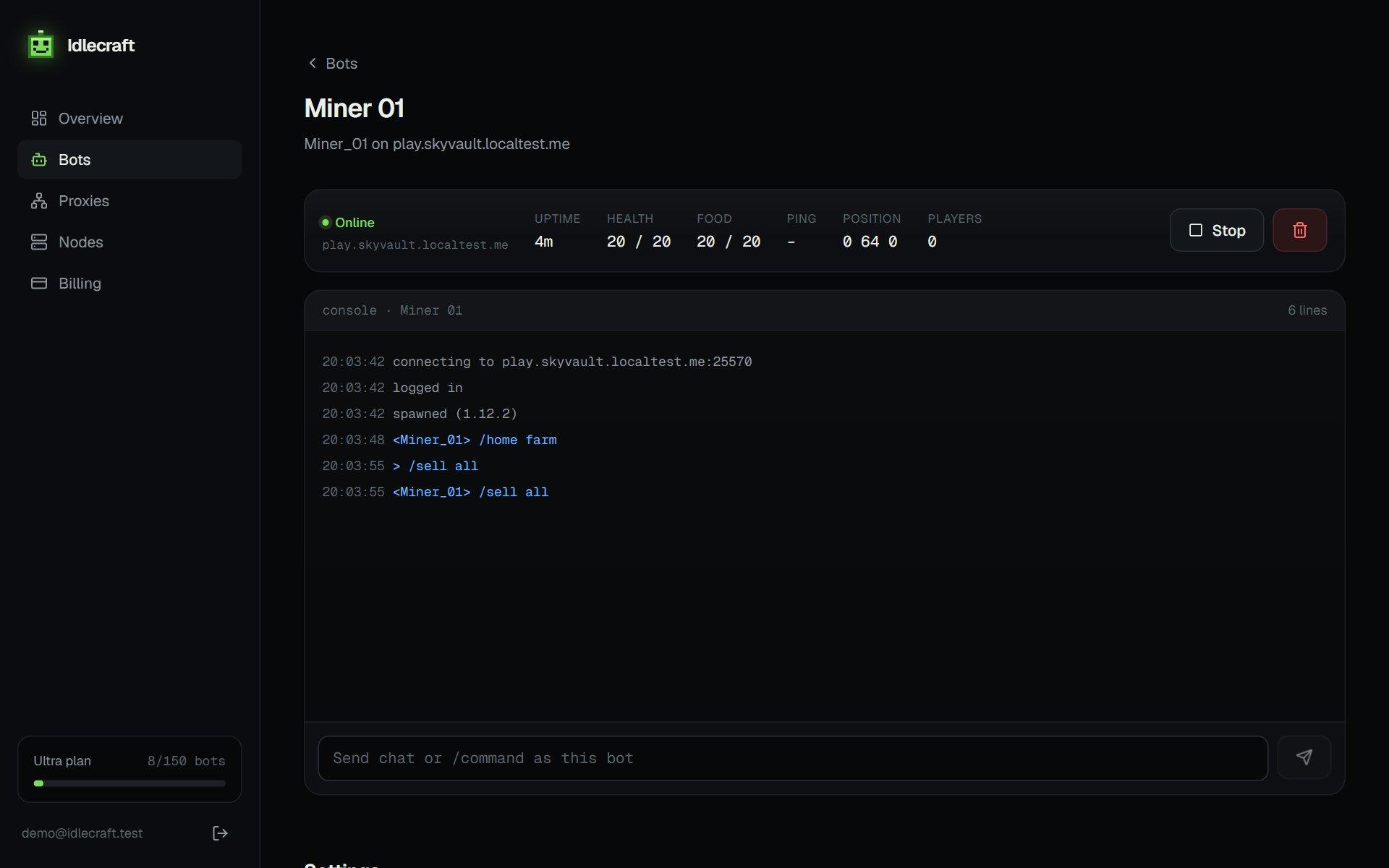
Create a bot, enable Auto Fish and Auto Eat, point it at the server and start it. Stand the bot at the water, facing it. The console shows each cast and catch, so you can confirm it works within a minute or two.
Common problems
- The rod breaks. Bring a spare or use Mending
- The bobber lands out of water. Reposition the bot
- The bot is kicked for idling. Add AFK Keeper for small movements
- Catches stop after a server restart. Turn on auto-reconnect
The same idea carries over to other jobs, such as crop farming and mining. See our guide to AFK bots for Skyblock, Survival and Factions servers.
Tips for longer sessions
- Mending rods last much longer than plain ones
- Keep a stack of food so Auto Eat never runs dry
- Choose a spot with no mobs nearby, or add Mob Grinder
- Read the console now and then to confirm catches continue
What to do with the loot
A bot fills its inventory over time. Plan for a chest nearby, or a macro that walks to a shop and sells, so the bot does not stop when it is full.
Run your first bot in two minutes.
Get my bots online