Minecraft Bot Versions: 1.8 to the Latest Release
Which Minecraft Java versions a bot can join, how ViaVersion changes the answer, and how to pick the right version setting.
· 4 min read
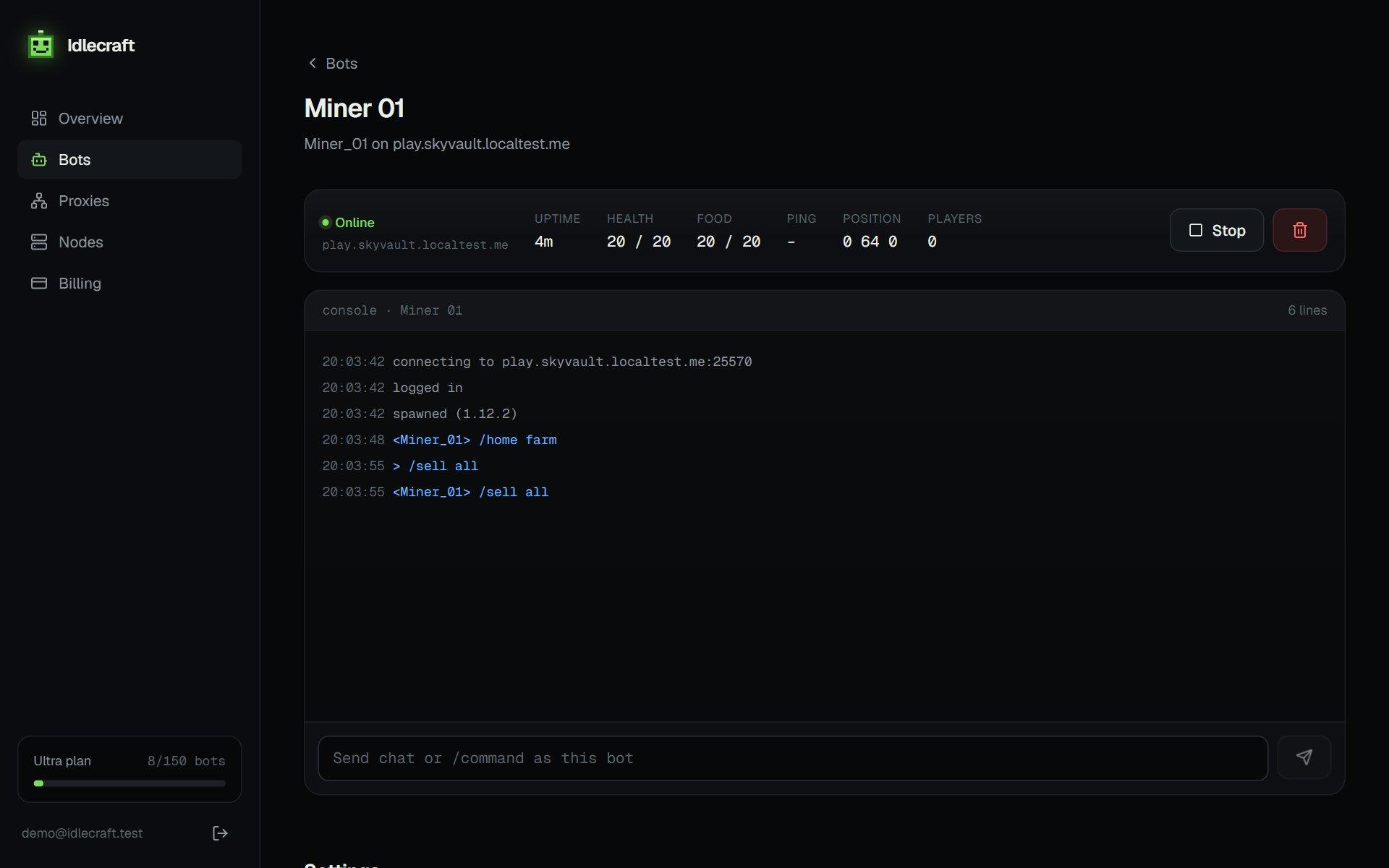
A bot speaks the Minecraft protocol for one version at a time. If the version does not match what the server accepts, the join fails with a "outdated client" or "outdated server" message.
Choose the version the server runs
Look at the server's listed version. Pick the same one, or the closest one that the server accepts. MineBots supports Java Edition from 1.8 to recent releases.
ViaVersion and proxies
Many servers run ViaVersion so players on other versions can join. That helps bots too, since an older bot version may still connect to a newer server. The reverse is less reliable, so test before relying on it.
What not to expect
- Bedrock Edition is not supported
- Modded servers that change the protocol may not work
- Brand-new releases can lag behind until libraries catch up
See the features page for the full plugin list, and the captcha guide for join checks.
How to find a server's version
The server list shows the version next to the player count. If it shows a range, such as 1.8 to 1.21, the server uses ViaVersion and accepts several versions. Pick one inside that range.
When the version is wrong
- "Outdated client" means pick a newer version
- "Outdated server" means pick an older version
- A silent timeout can mean the wrong port, not the wrong version
Run your first bot in two minutes.
Get my bots online